PixVox Studio
Screenshots
About the project
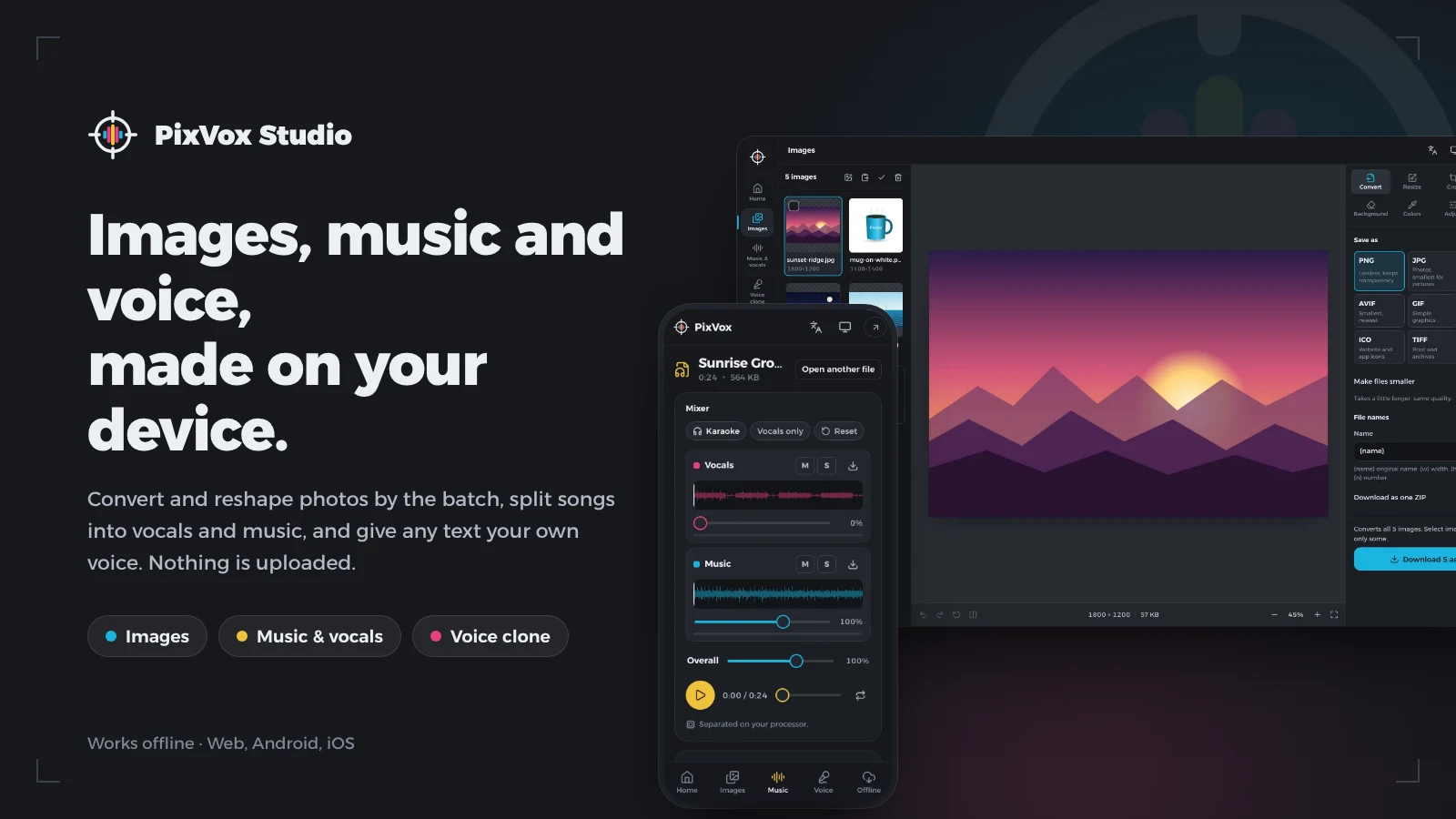
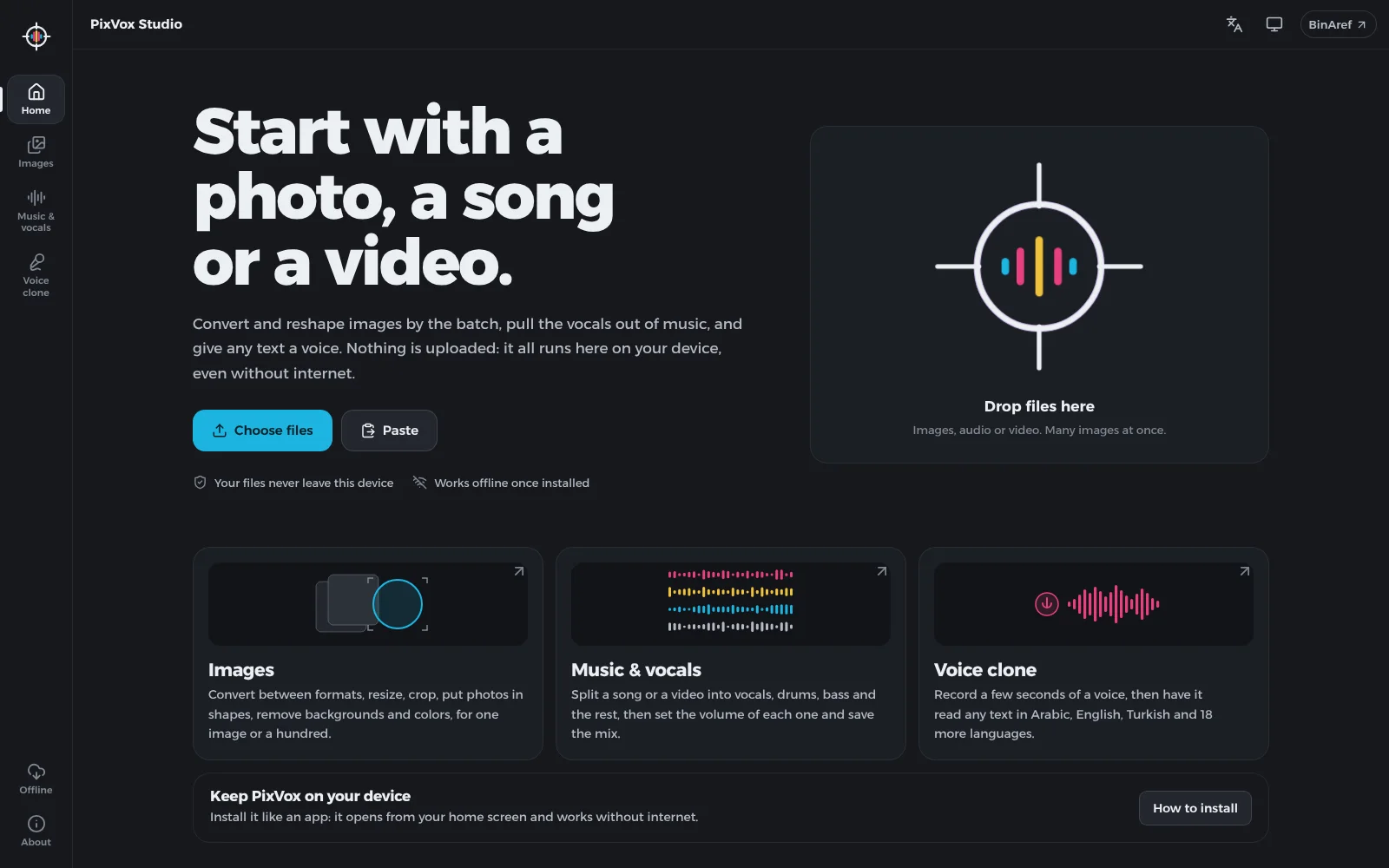
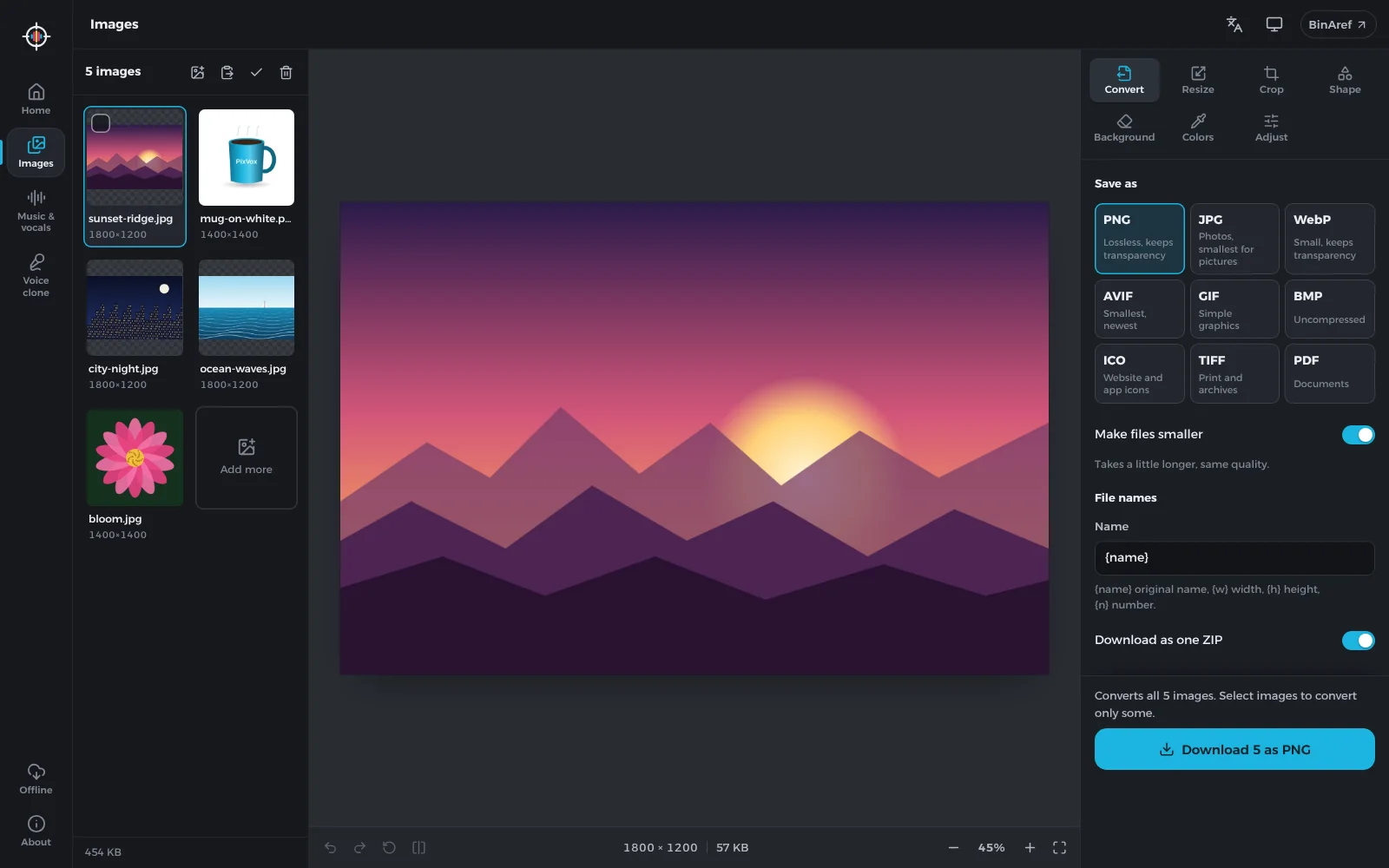
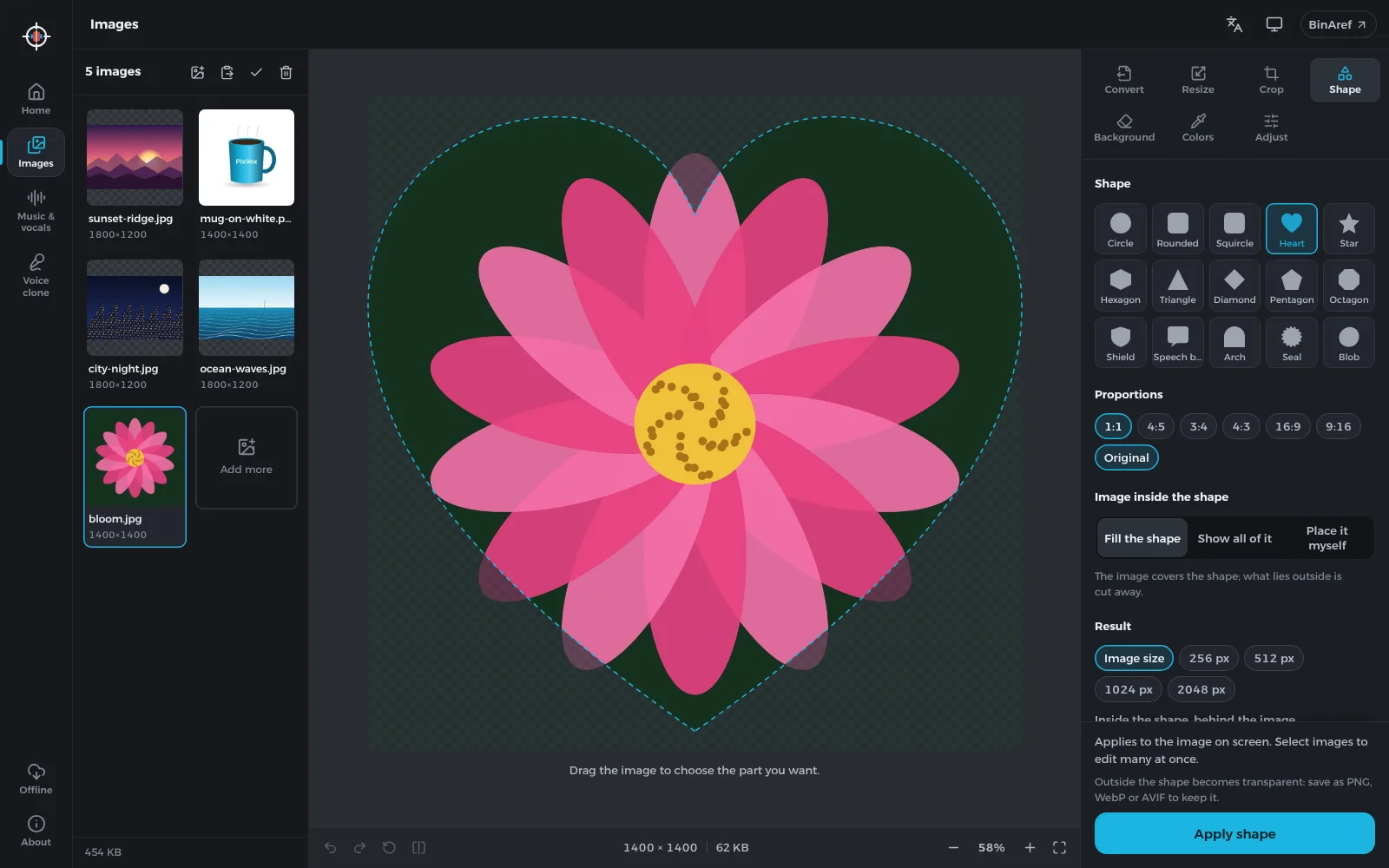
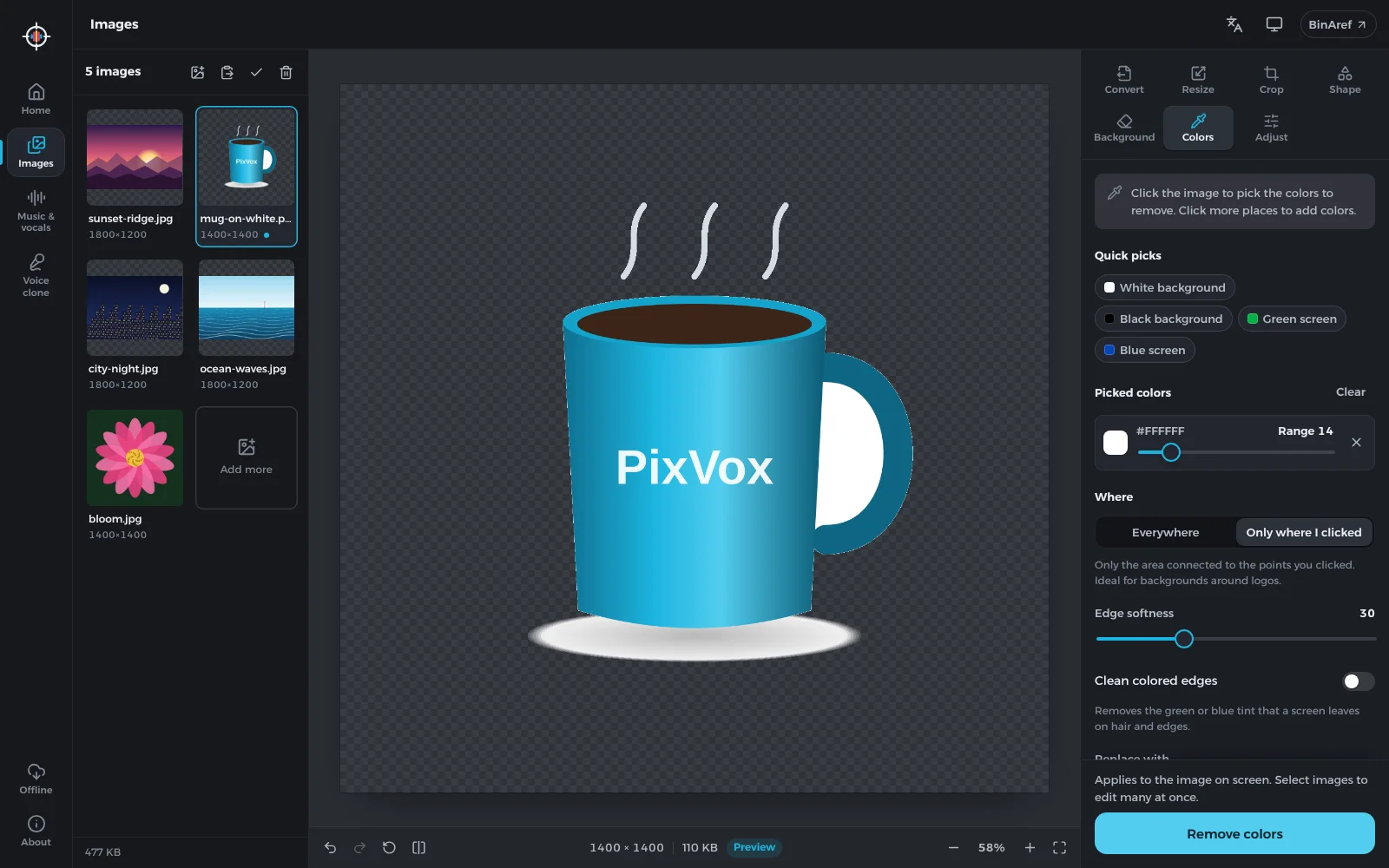
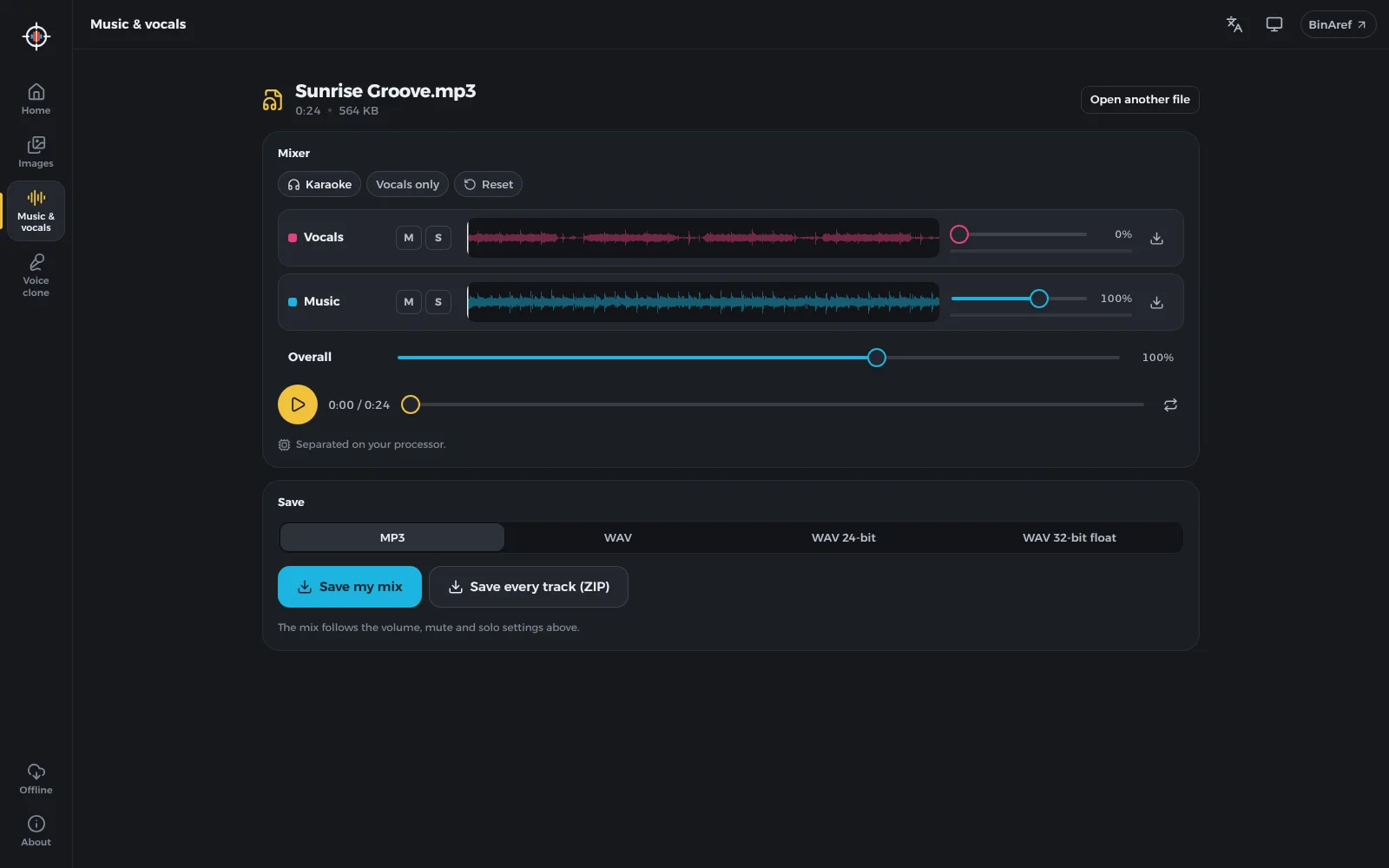
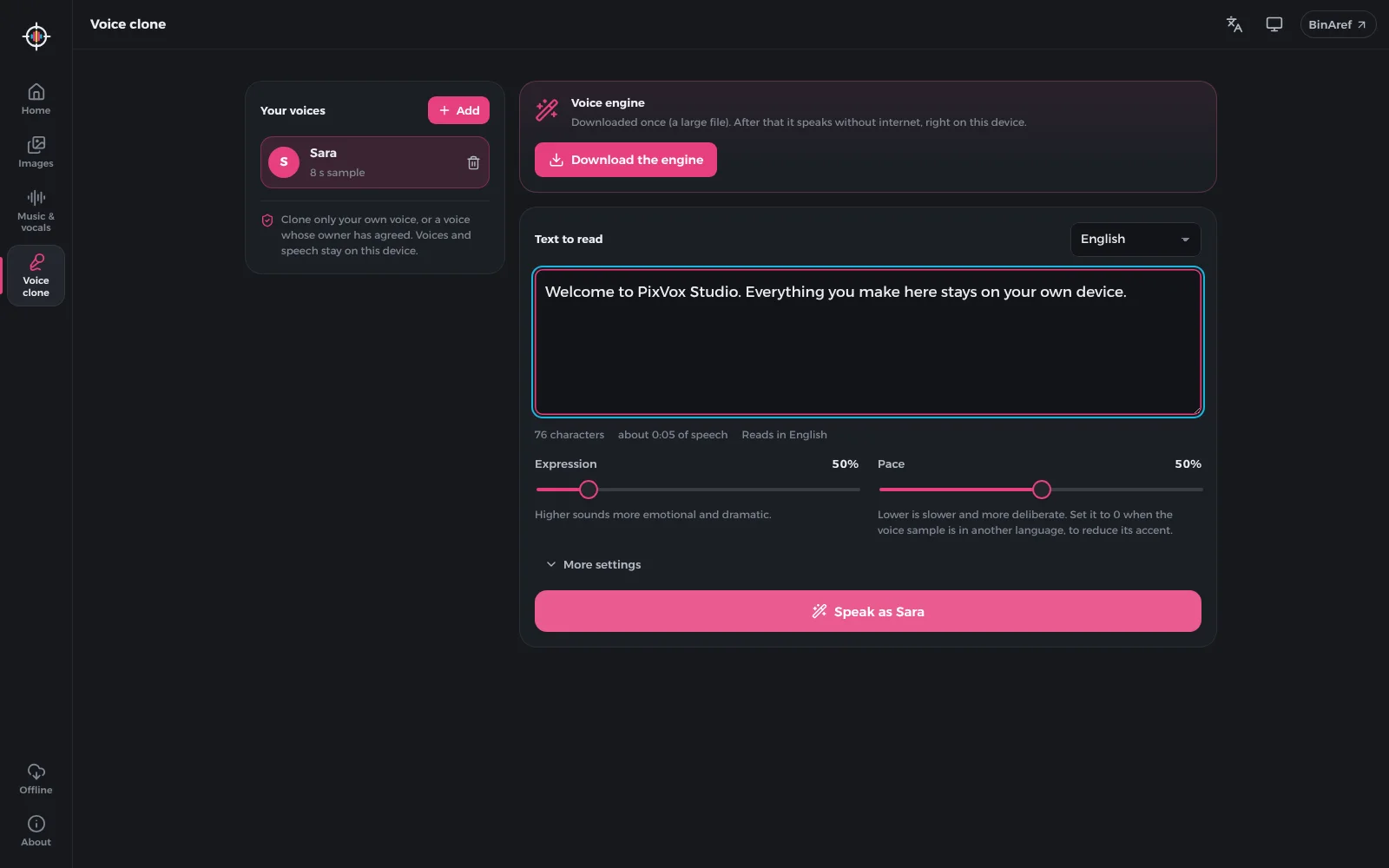
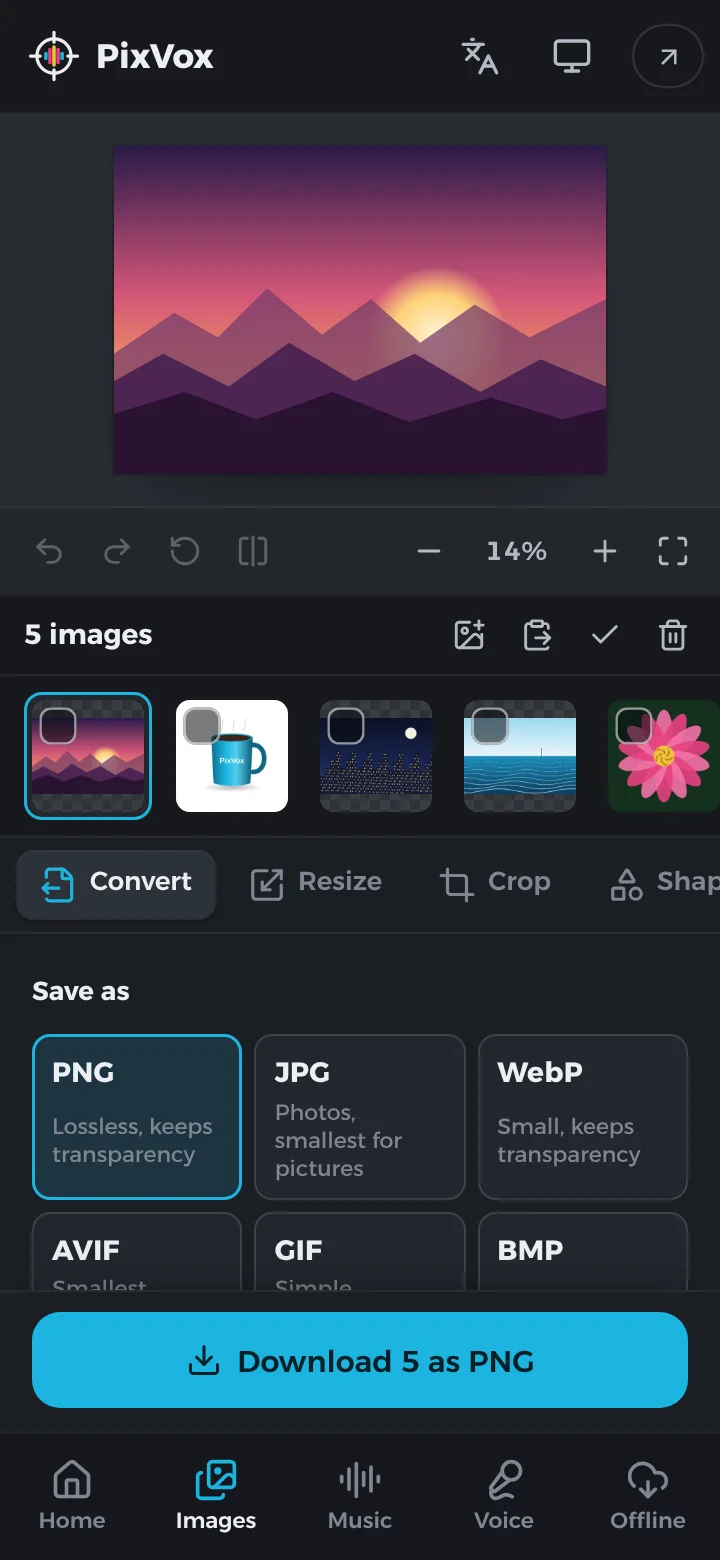
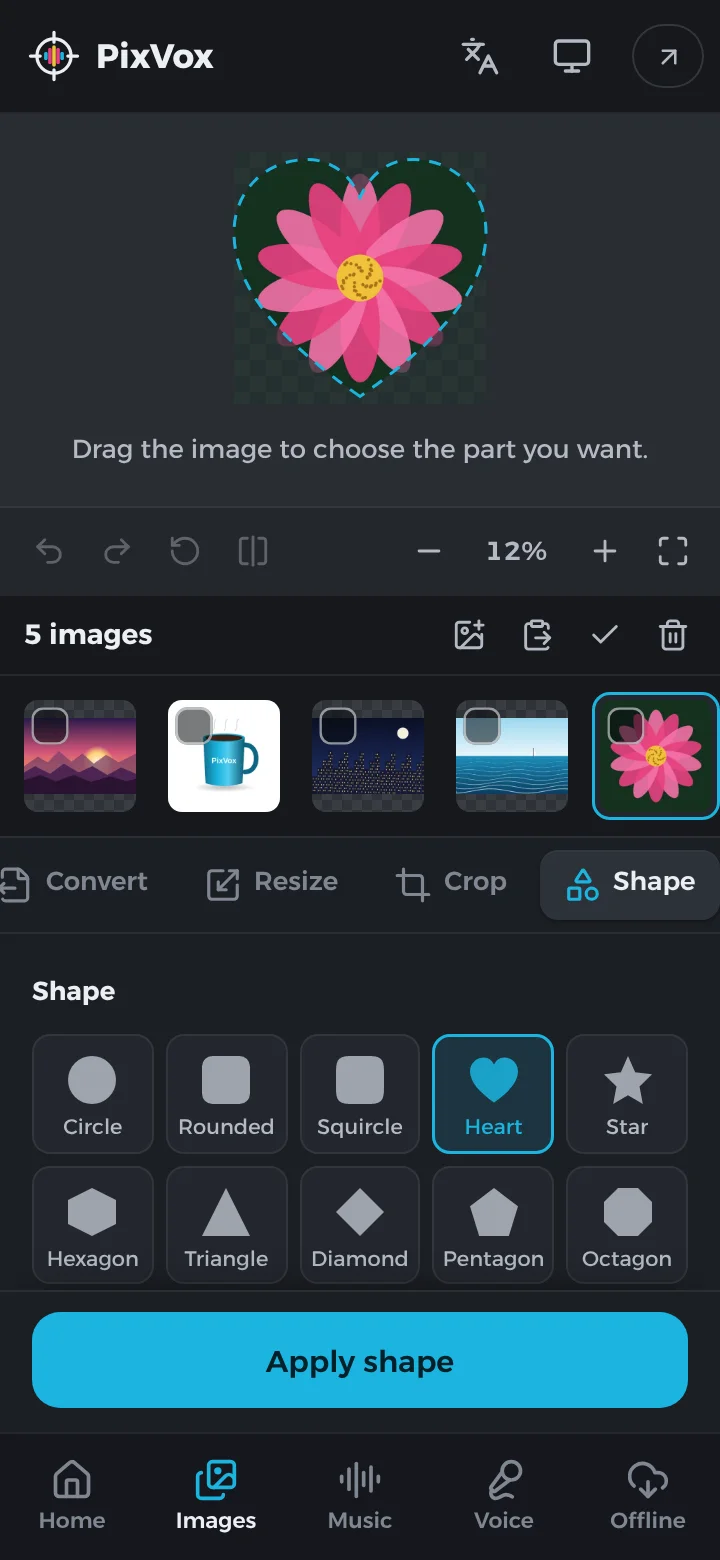
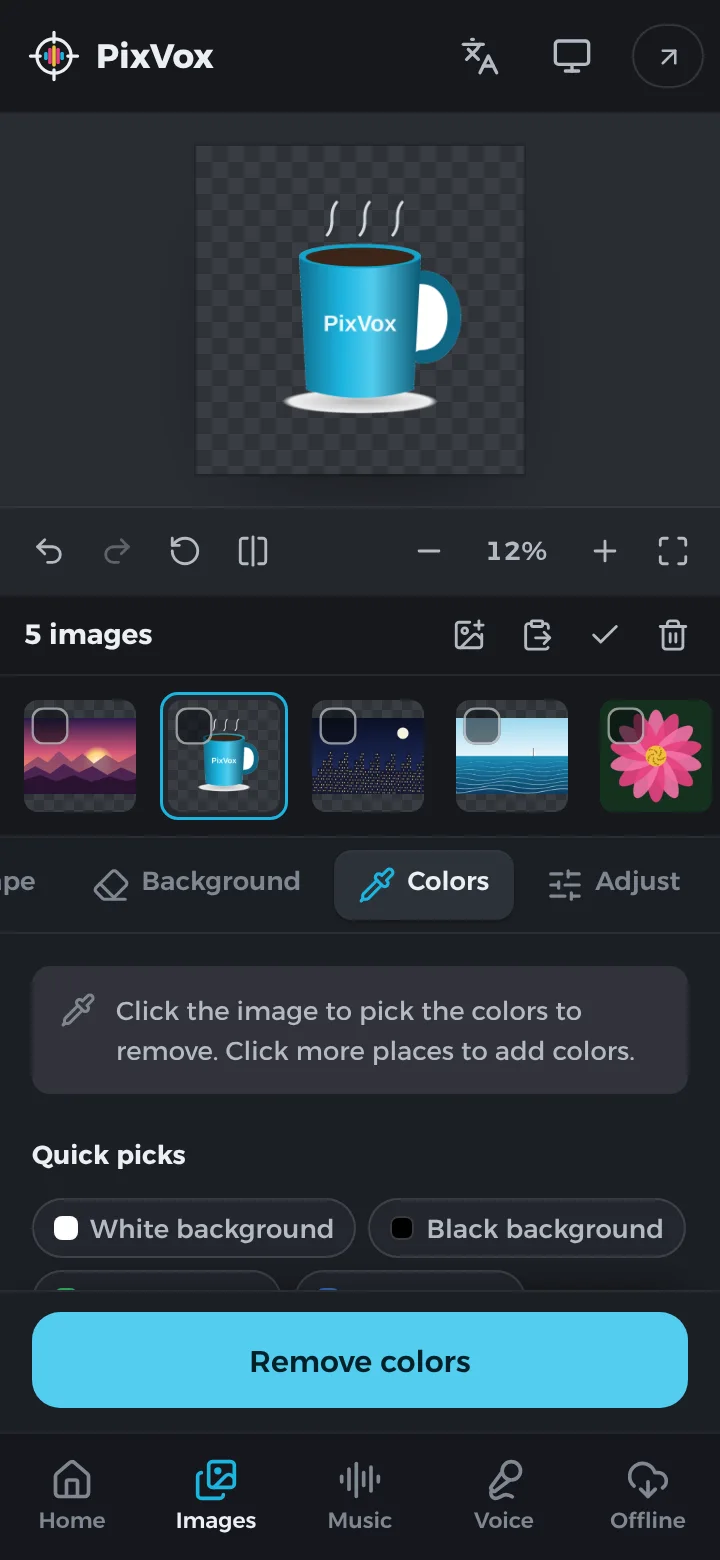
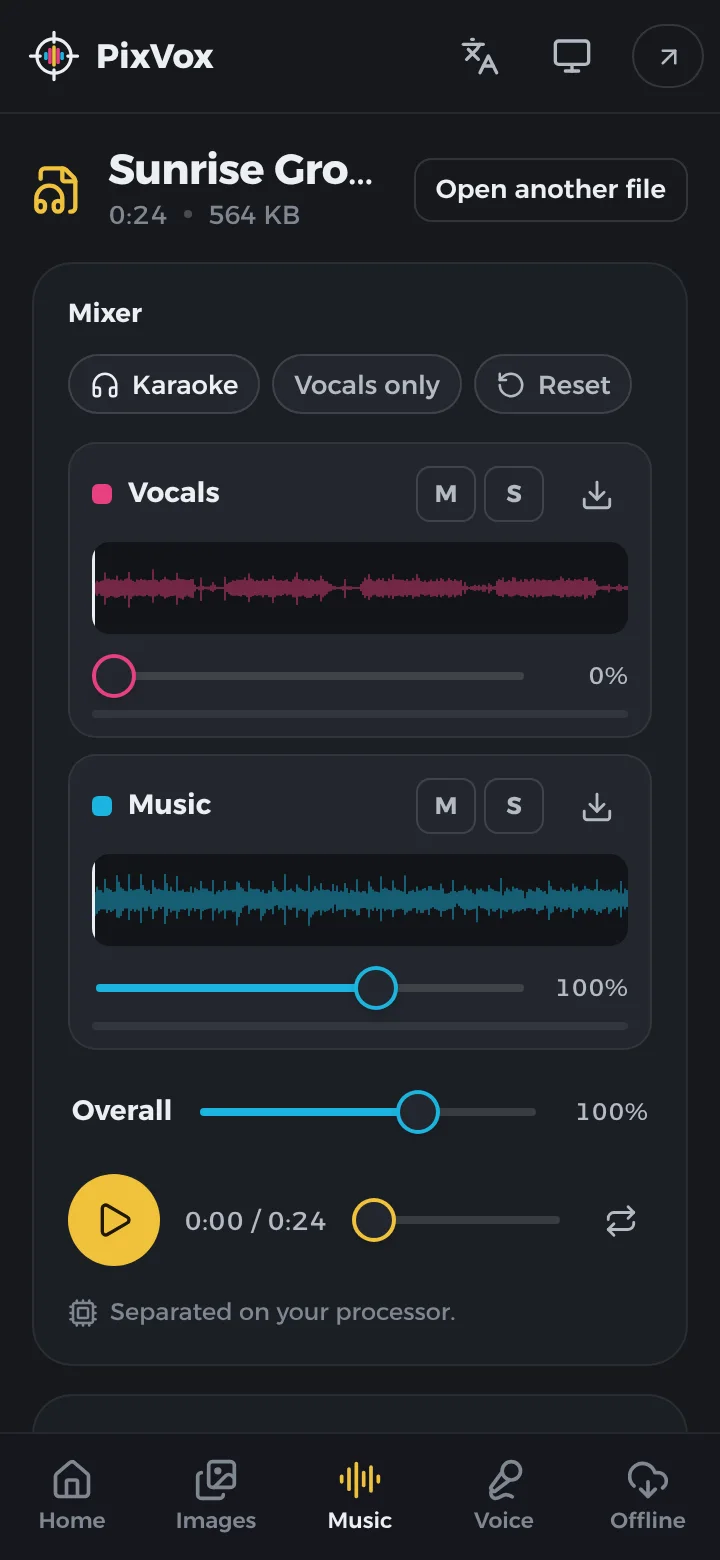
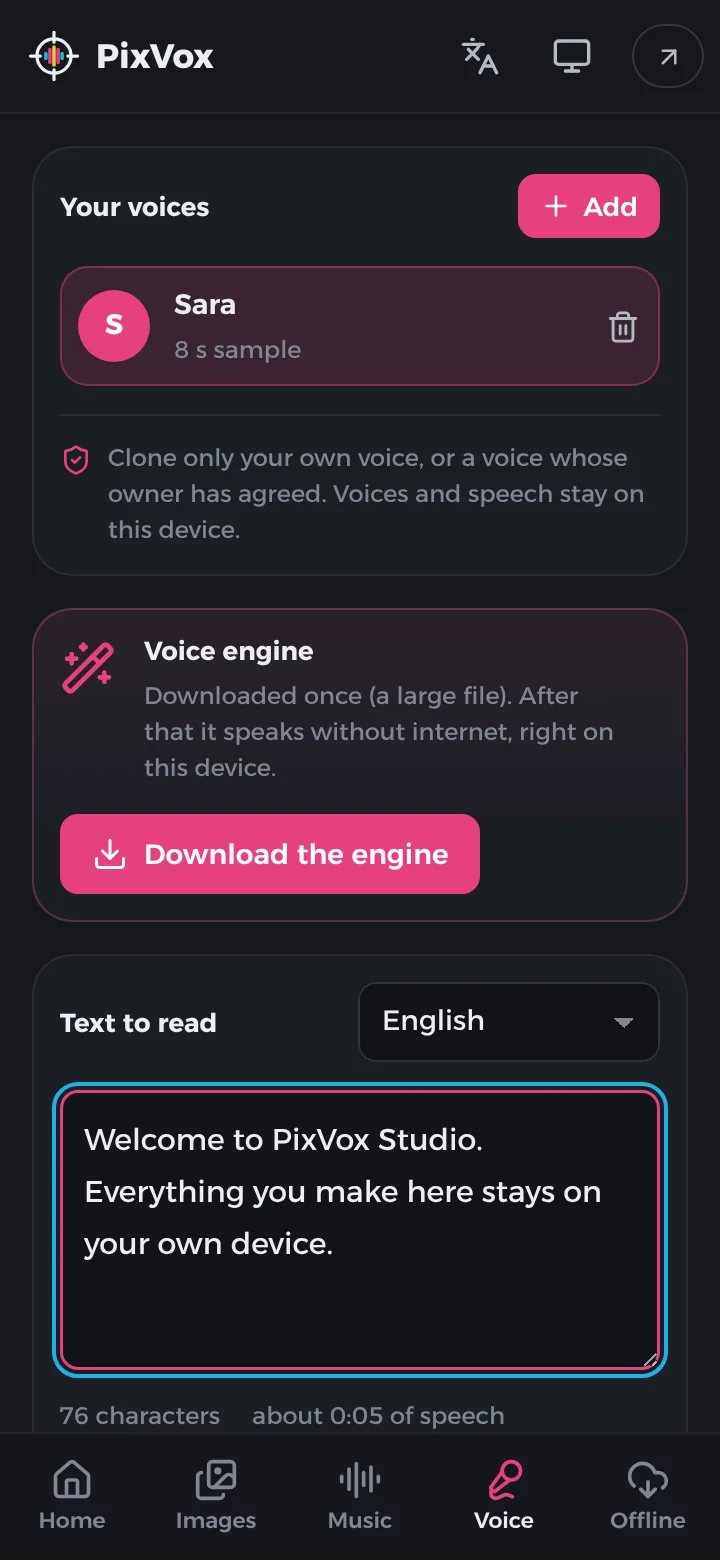
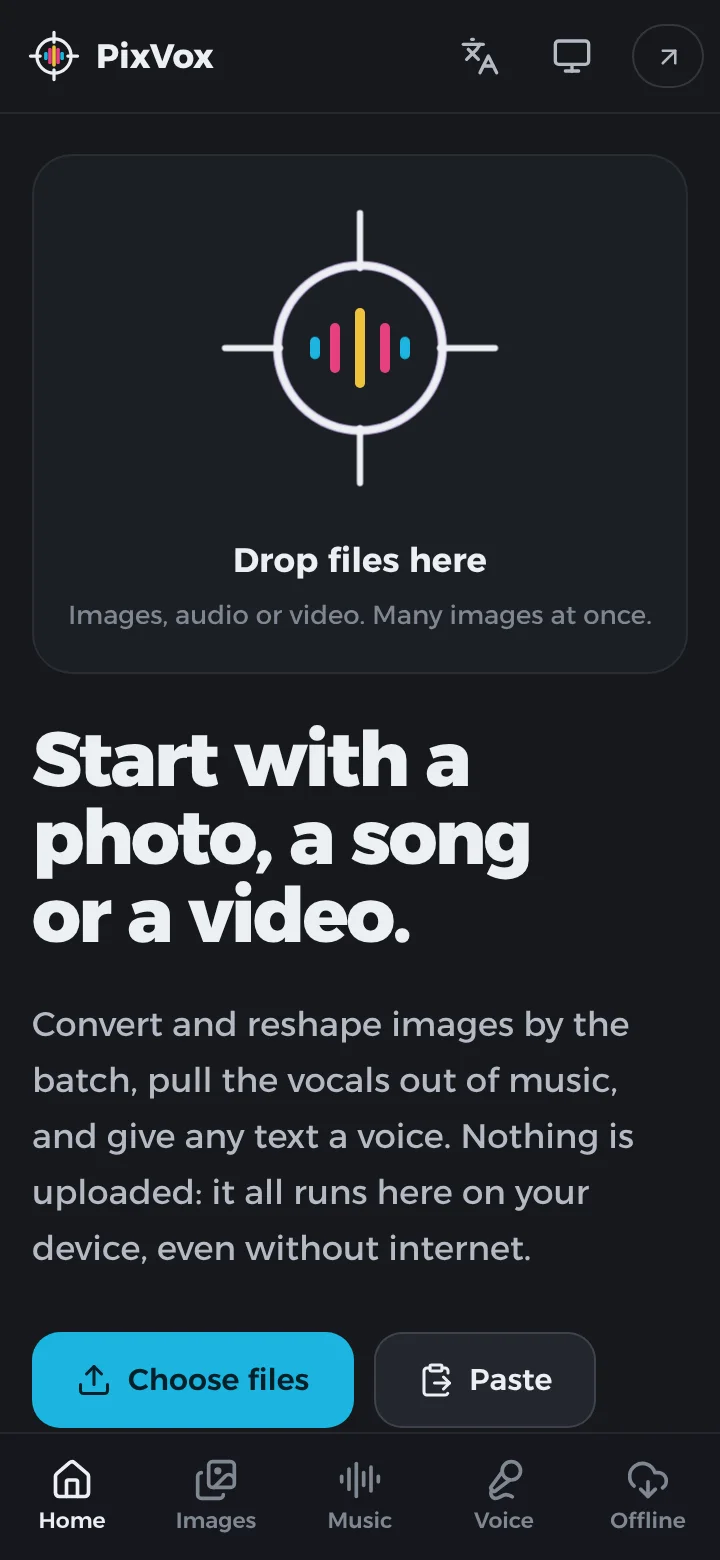
PixVox Studio puts three studios in one app, and every one of them runs on your device. In Images, drop in a folder, paste from the clipboard or drag files in, select the ones you want, and convert them between WebP, AVIF, PNG, JPEG, GIF, BMP, ICO, TIFF and PDF (HEIC photos from iPhones open too), aiming for a file size if you like. Resize by width, height or both, crop to any ratio, or place a picture inside a circle, heart, star or twelve other shapes, fitted automatically or moved and zoomed by hand. An AI model removes backgrounds with fine edges, even on hair, and a color picker removes a white background or a green screen. In Music & vocals, open a song or a video and Meta's HT-Demucs model splits it into vocals, drums, bass and other instruments; set each one's volume, make a karaoke track, and save the mix, every track, or the video with its new sound. In Voice clone, record ten seconds of your own voice and type any text: the voice reads it in Arabic, English, Turkish and 18 other languages. The AI models download once, then everything works without internet. Install it from the browser, or get the Android app.
Highlights
- Batch conversion between WebP
AVIF, PNG, JPEG, GIF, HEIC, TIFF, ICO and PDF.
- Resize, crop and place pictures in 15 shapes, fitted or positioned by hand.
- AI background removal, and removal of any color such as a white or green screen.
- Split songs and videos into vocals
Drums, bass and music, then mix and save.
- Clone a voice from ten seconds of speech; it reads text in 21 languages.