QServe
Screenshots
About the project
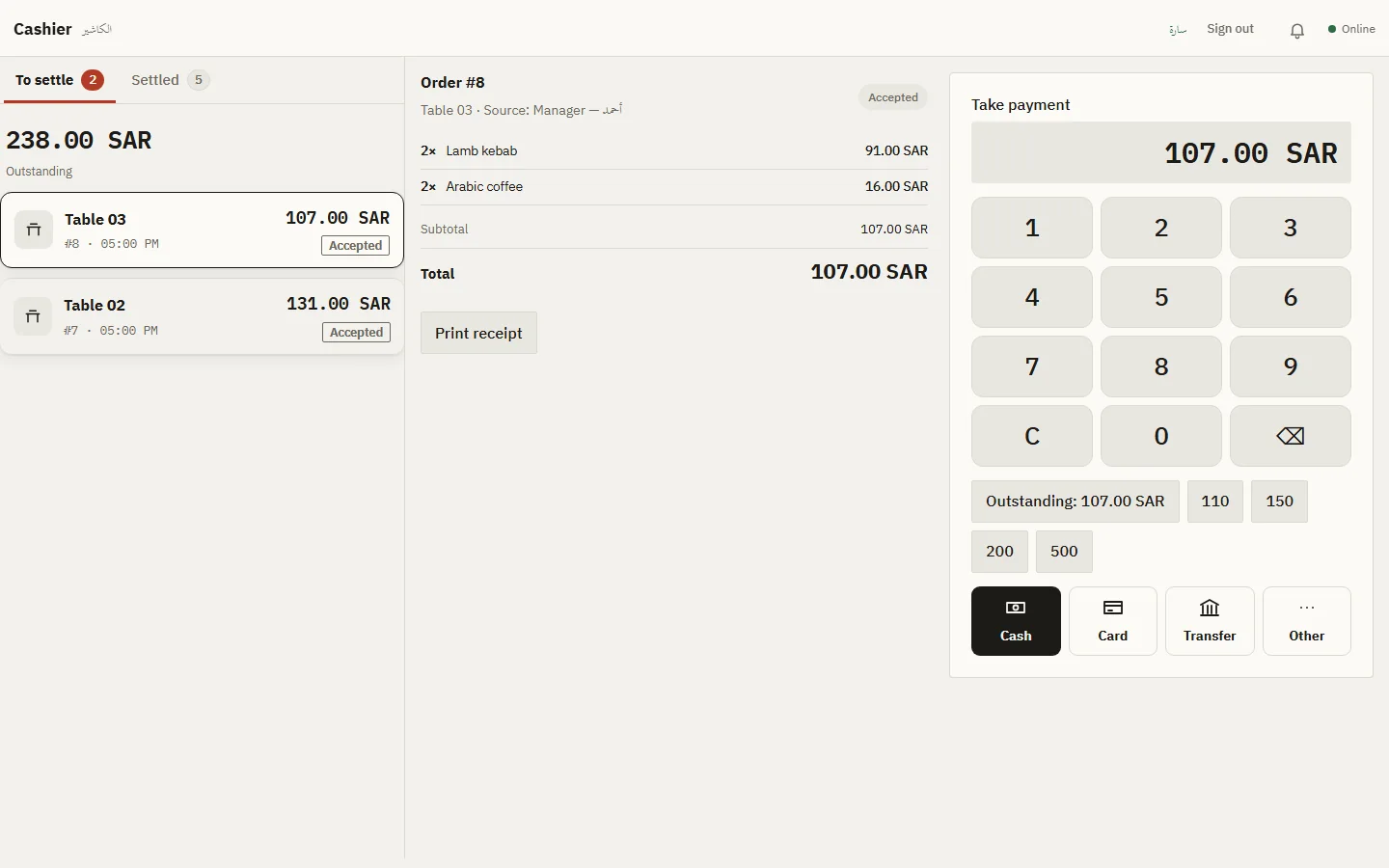
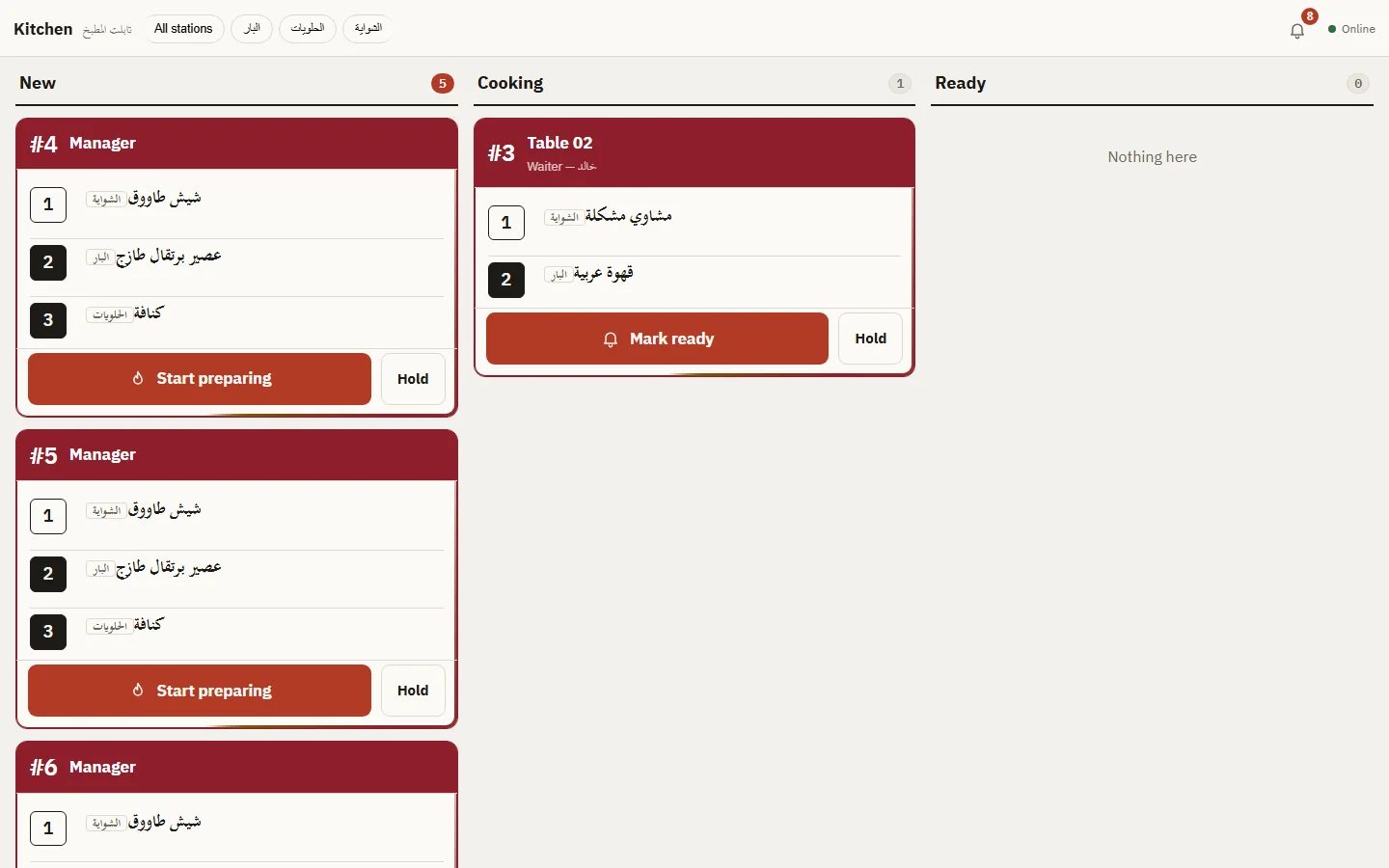
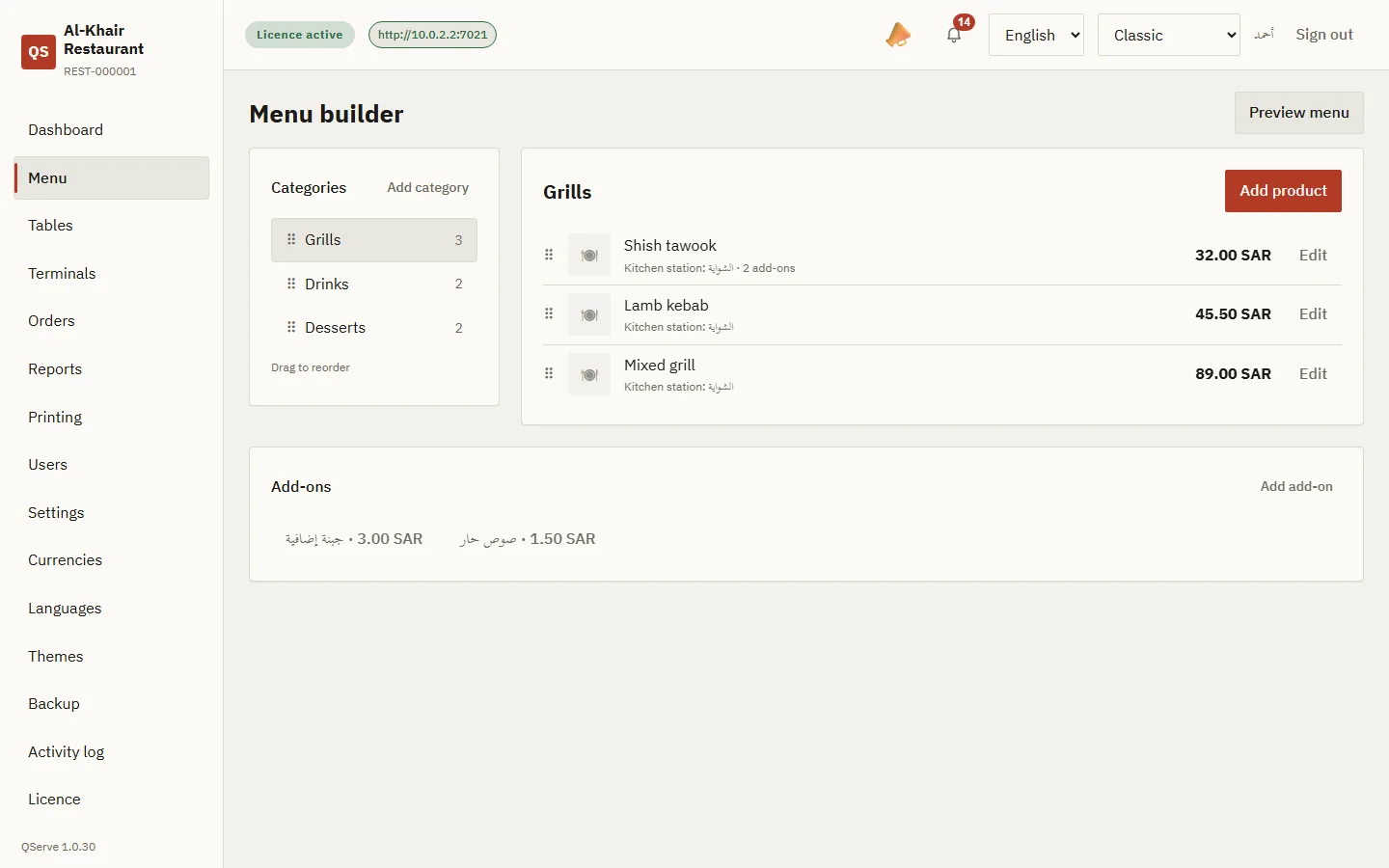
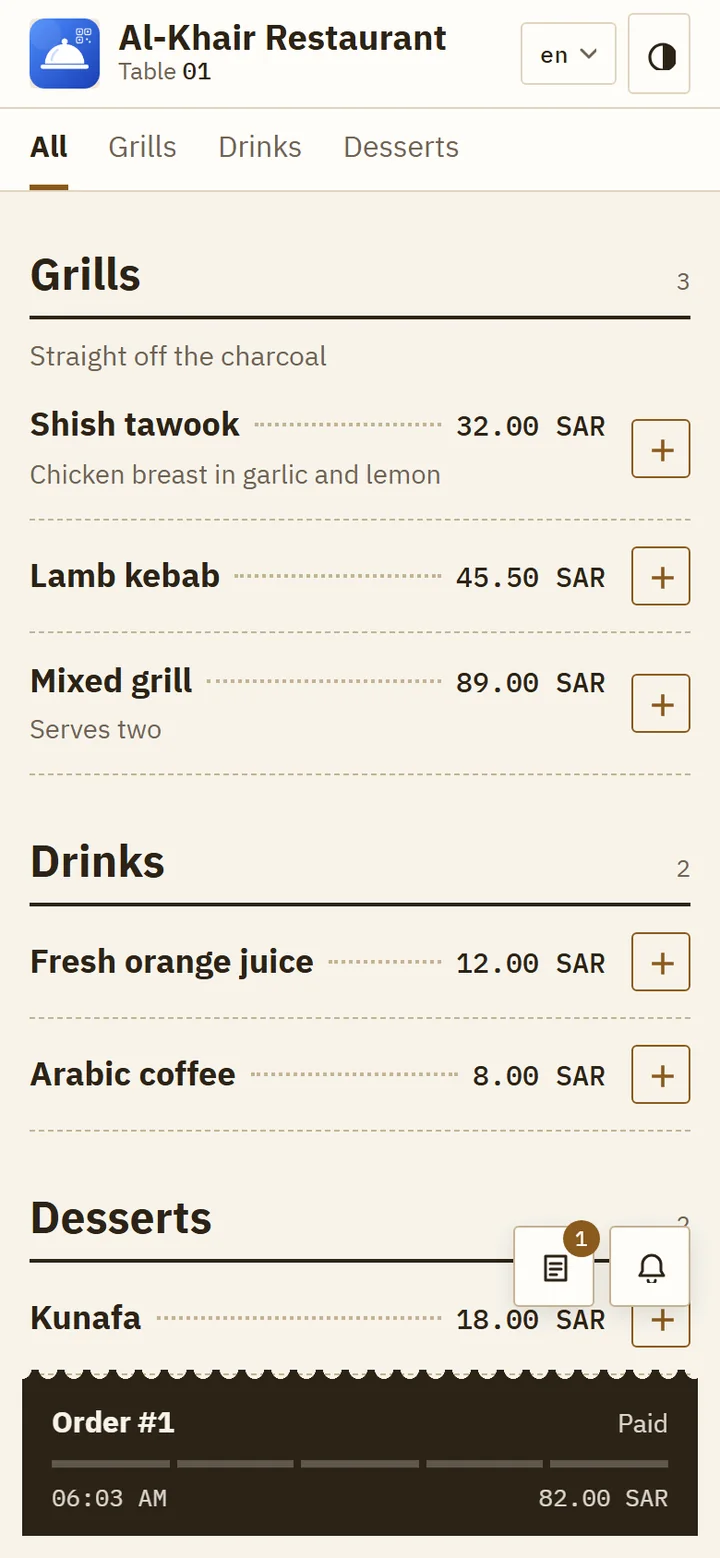
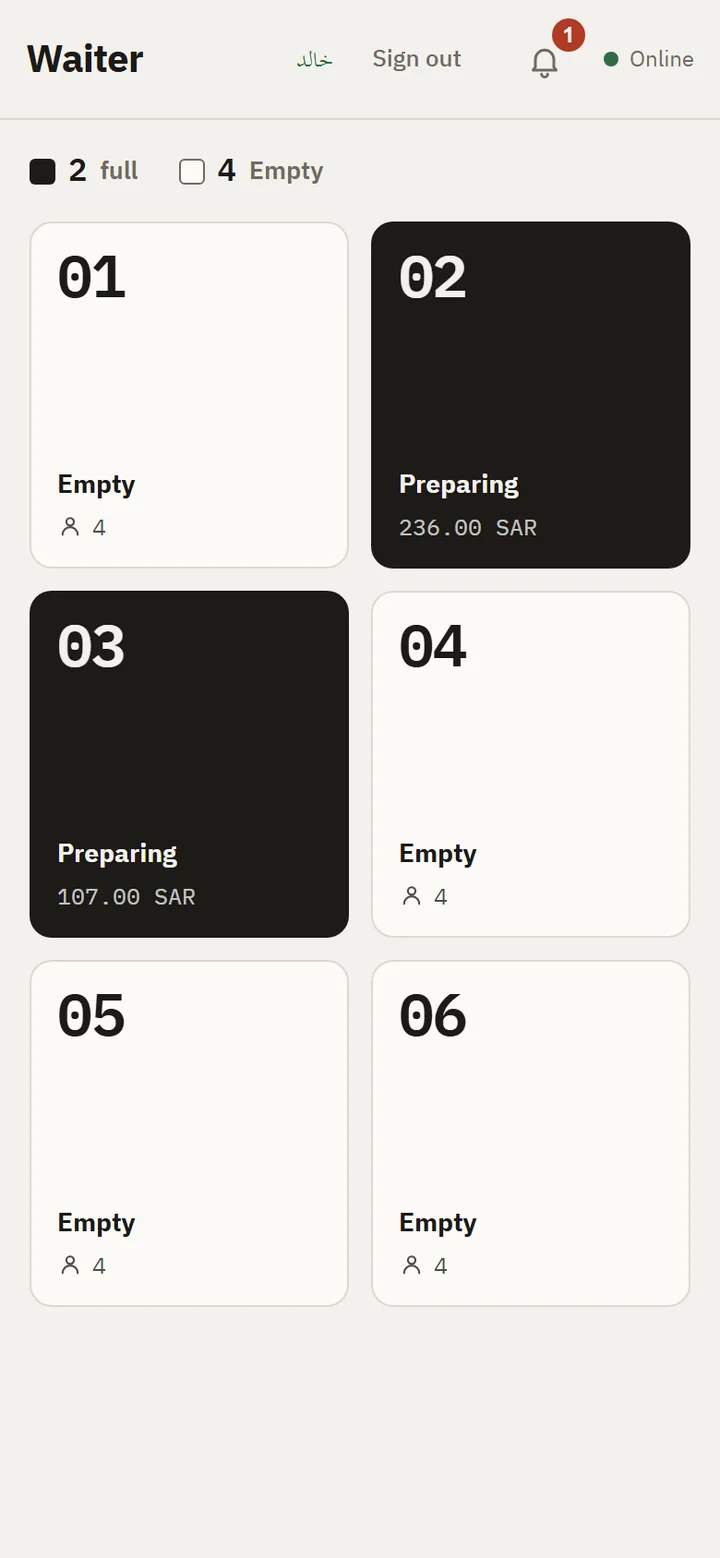
QServe runs a restaurant's whole day from one computer on the restaurant's own network. In the management console, the owner builds the real menu, with sizes, choices and extras in several currencies, and sets up tables, staff accounts and roles, printers, branding and languages. Diners scan the QR code on their table to read the menu and follow their order as it is prepared. The kitchen screen shows each ticket the moment it is placed and keeps alerting until someone accepts it. The cashier splits bills, gives change, handles refunds and prints receipts, and waiters see the floor plan with the live state of every table and can order for any of them. Staff can use the QServe Staff app on Android or Windows, or install nothing and open their station from the printed card in the phone's browser. An audit log records every action, backups are encrypted, and the interface comes in Arabic, English and Turkish with five themes. The licence is checked offline, so service never depends on the internet.
Highlights
- Runs on the restaurant's own computer and Wi‑Fi, no internet during service.
- A QR menu at every table and a kitchen screen that alerts until each order is accepted.
- A till for split bills
Change, refunds and receipts; a live floor plan for waiters.
- A menu builder with sizes
Choices, extras and multiple currencies.
- Staff roles
An audit log, encrypted backups, Arabic, English and Turkish.