ScreenNote
Screenshots

About the project
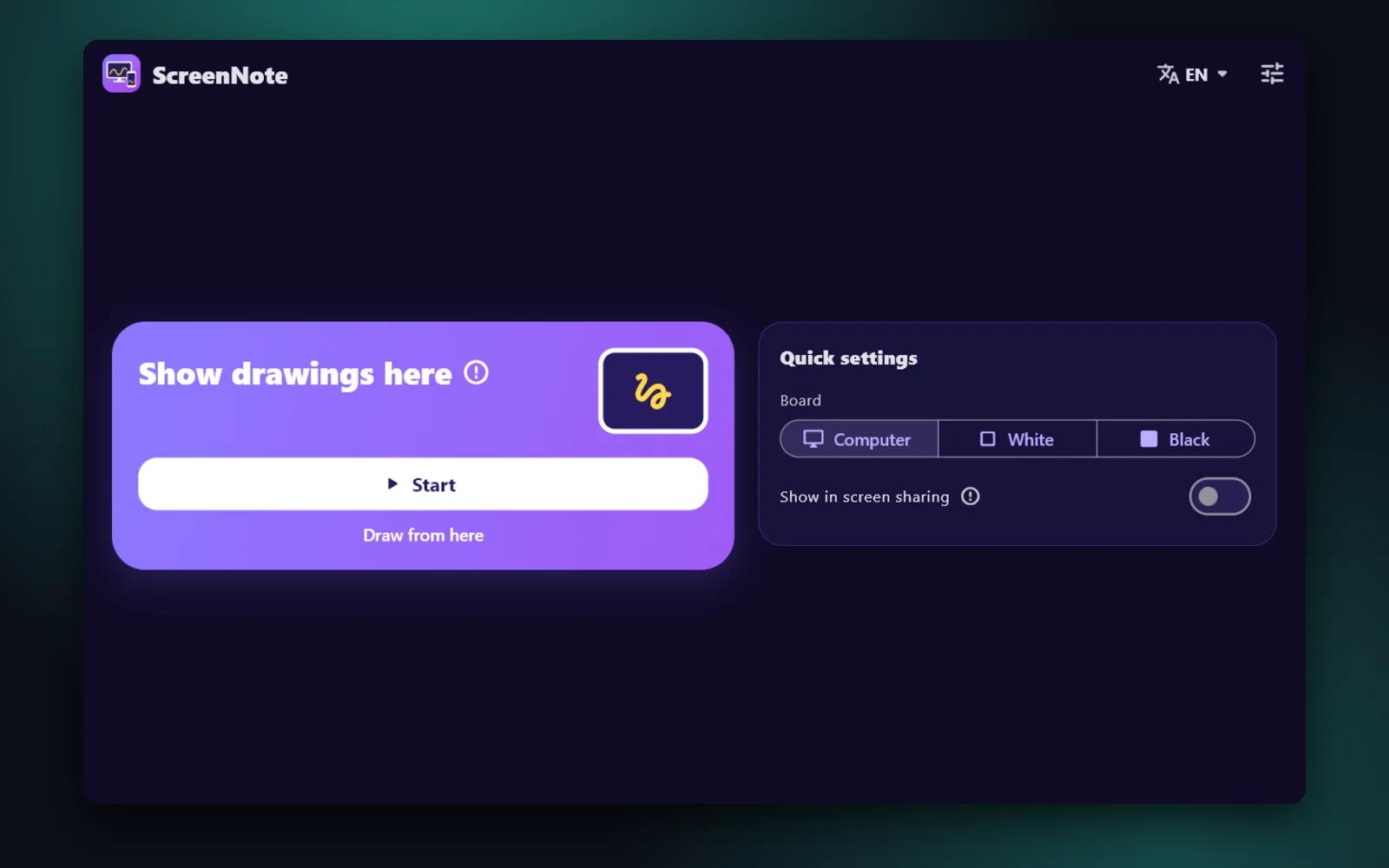
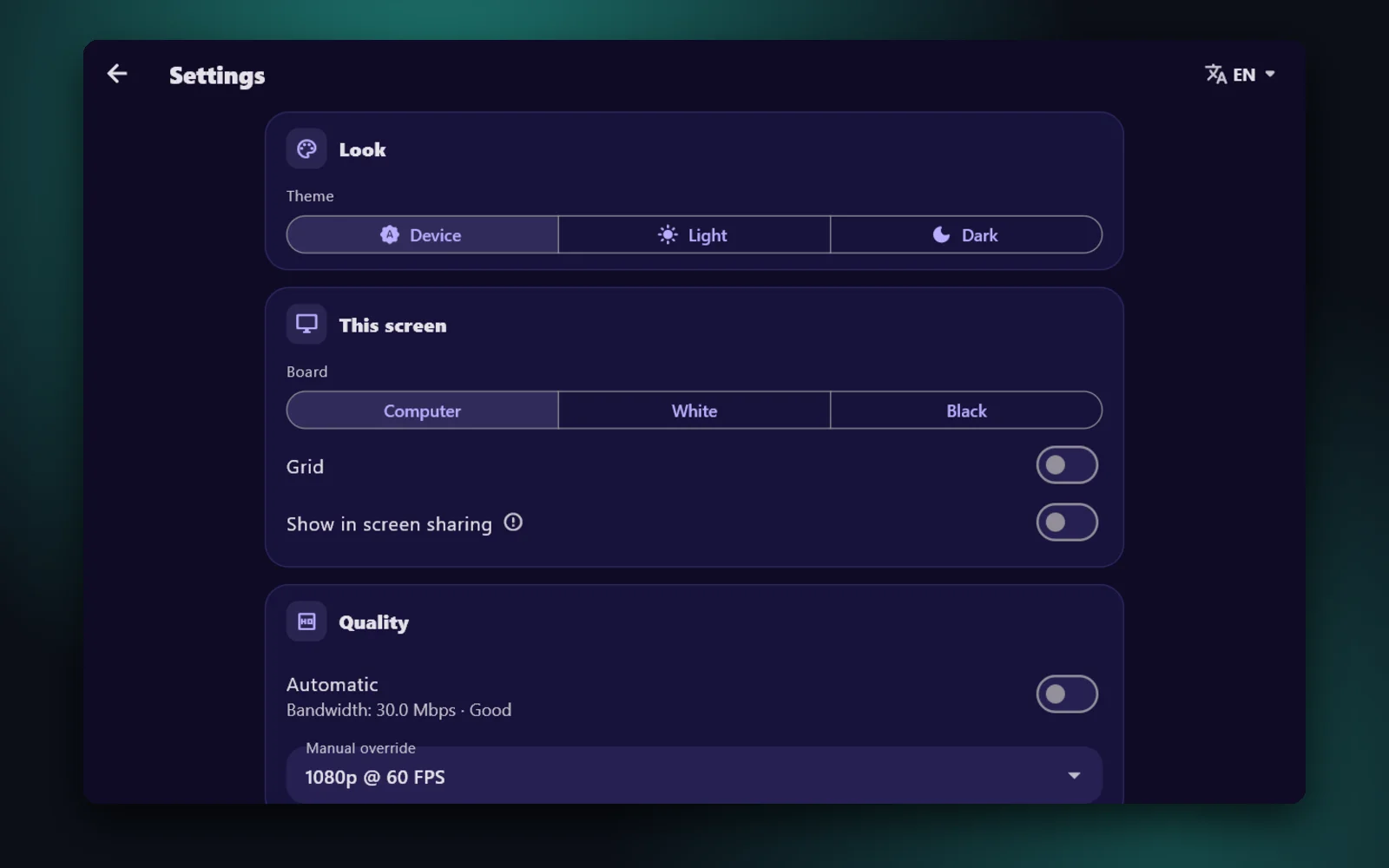
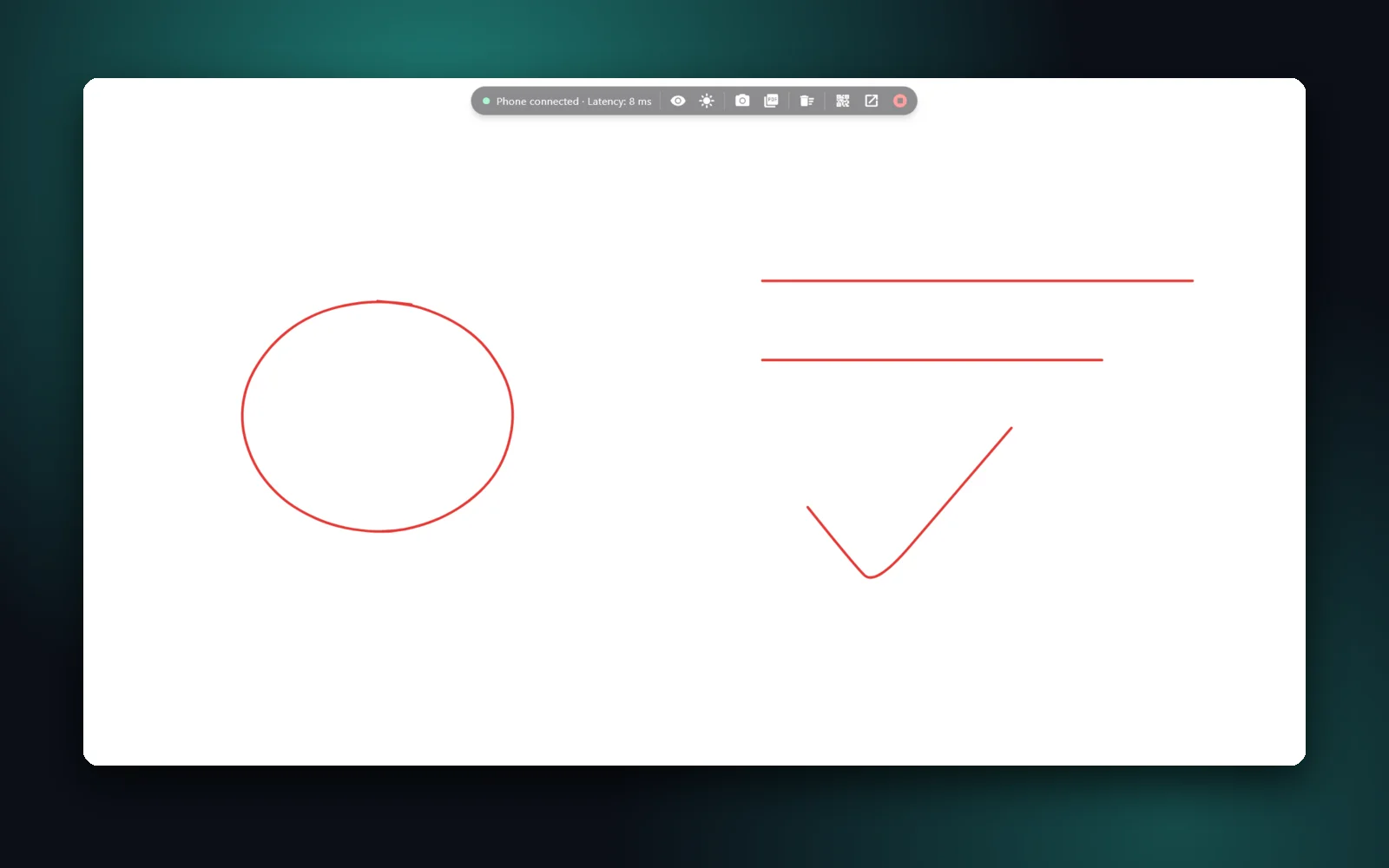
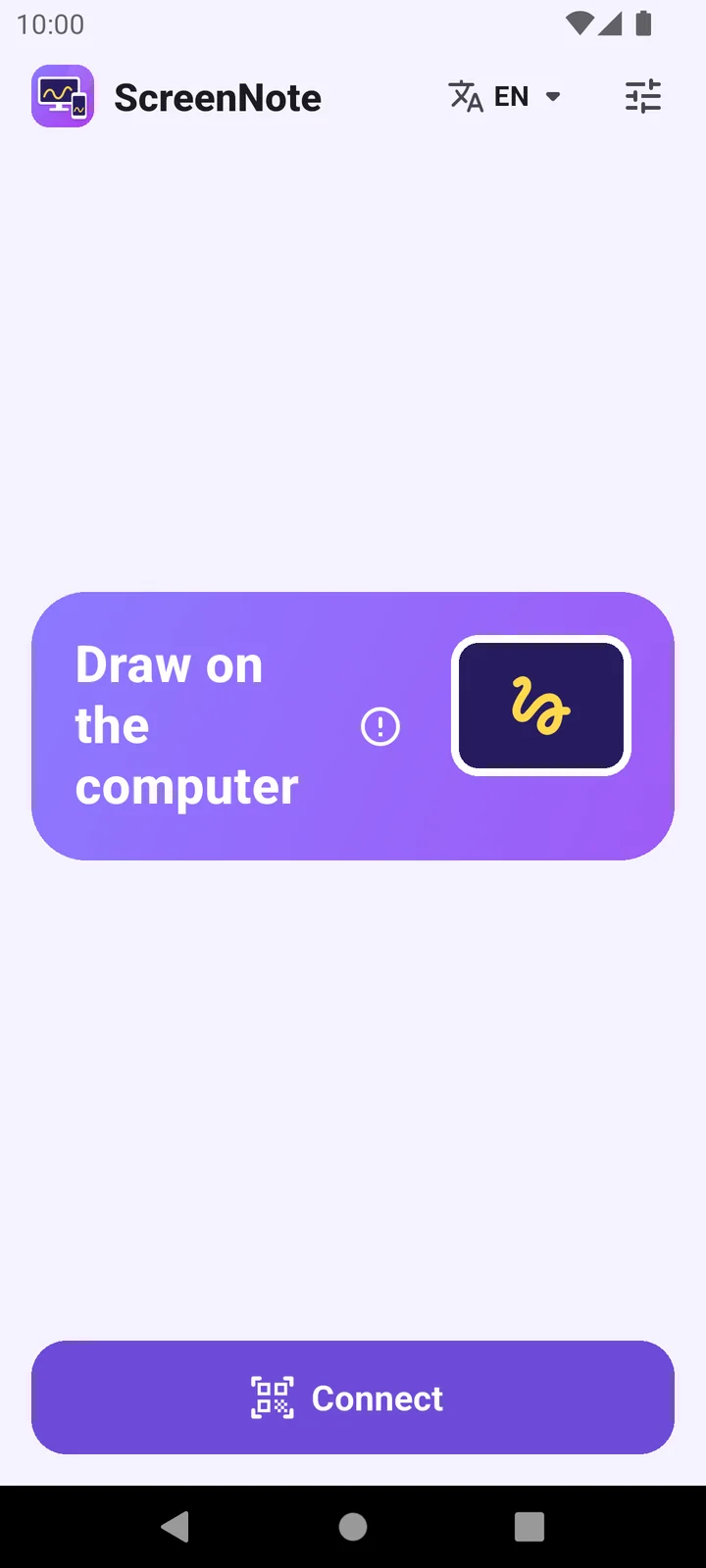
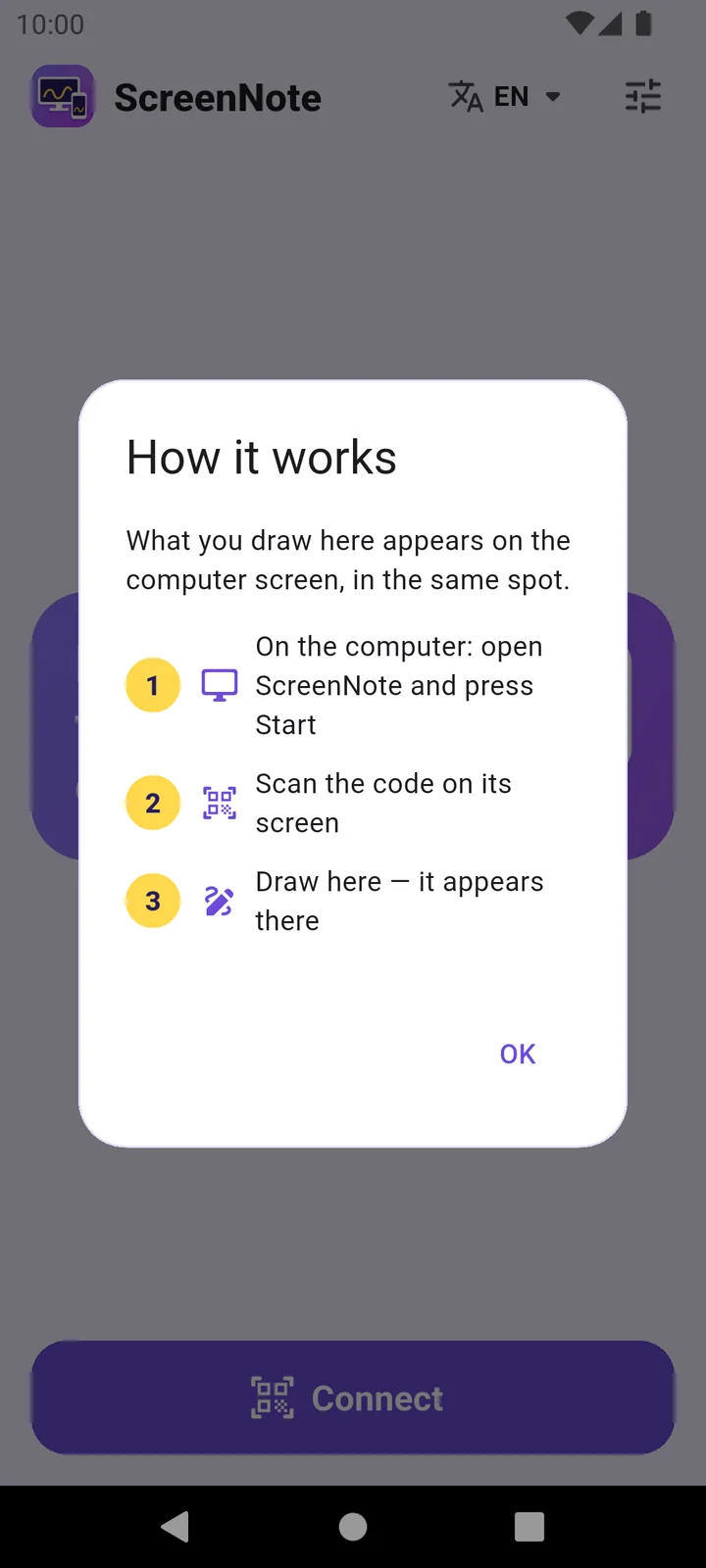
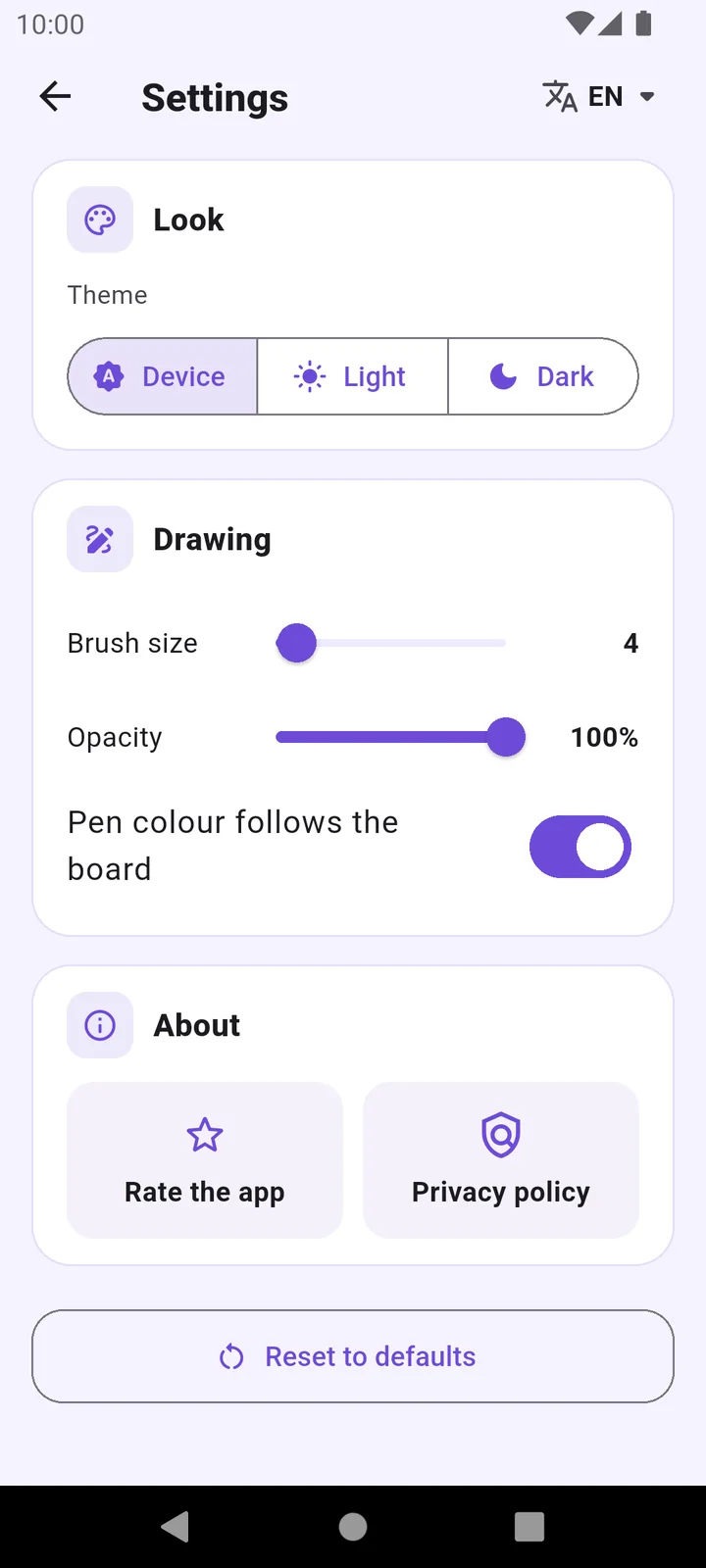
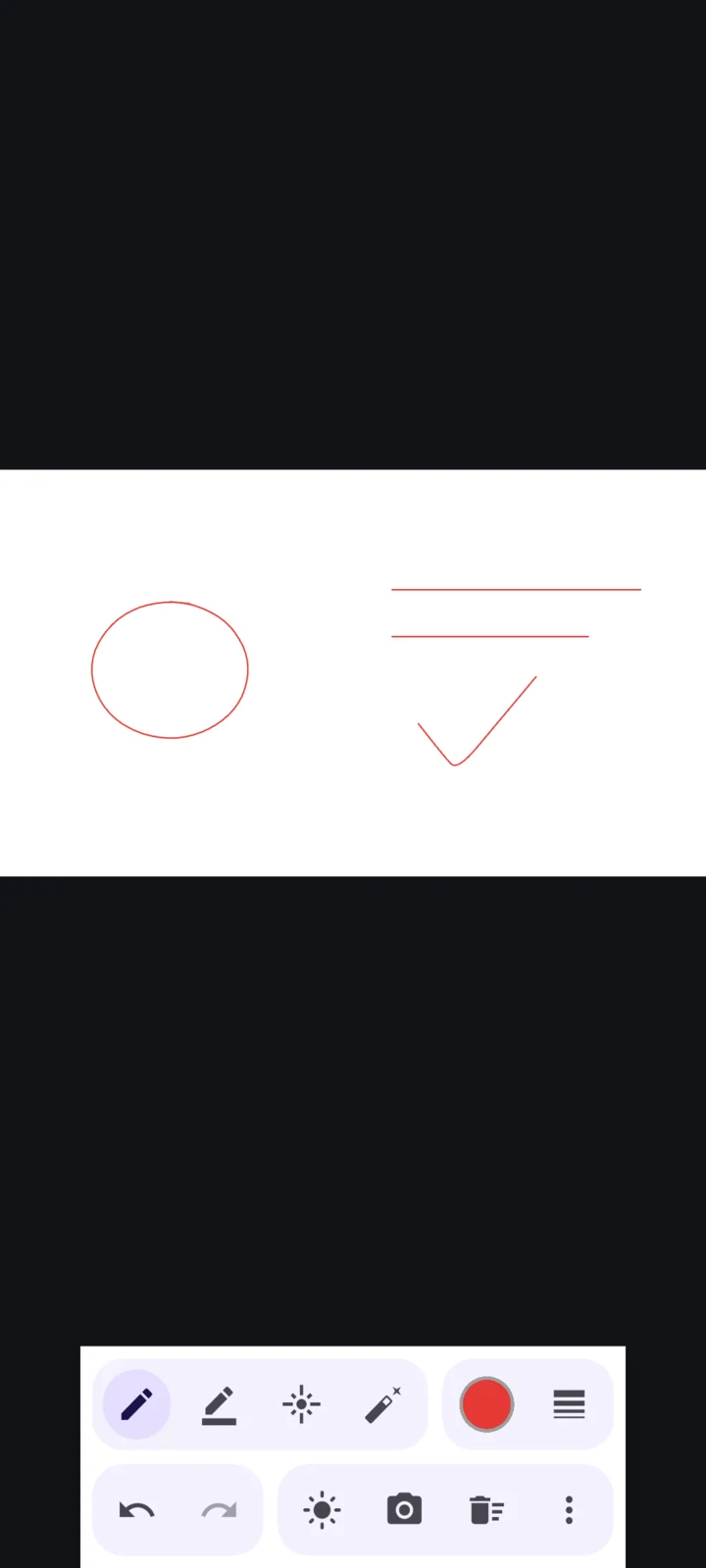
Explaining something on a computer usually means drawing with a mouse or stopping the presentation. ScreenNote lets you write with your phone instead. Start a session on the computer and scan its QR code with the phone: the computer screen becomes a transparent layer that shows your ink but lets every click pass through, so you keep opening files, playing videos and moving slides as normal. The phone shows a live picture of the computer screen, so your writing lands exactly where you aim. You get a pen, a highlighter, a laser pointer that fades away, an eraser, colours, sizes, undo and redo, pinch-zoom for small handwriting and palm rejection for a stylus. Switch between the screen, a whiteboard and a blackboard from either device, save annotated snapshots and export them as one PDF. If the connection drops, the phone reconnects on its own and the computer offers to restore your drawings. In English, Arabic and Turkish.
Highlights
- Your ink appears over the computer screen while every click still reaches the apps below.
- A live view of the computer screen on the phone, so you write exactly where you mean.
- Pen, highlighter, fading laser pointer, eraser, undo/redo and pinch-zoom.
- Screen, whiteboard or blackboard, with snapshots and export to PDF.
- QR pairing over Wi‑Fi
Automatic reconnect and drawing recovery.